PSCraft
FeaturesUse casesCompareBlog
Open editor
Open editor

Blog

Practical how-tos for editing photos and Photoshop files without installing anything.
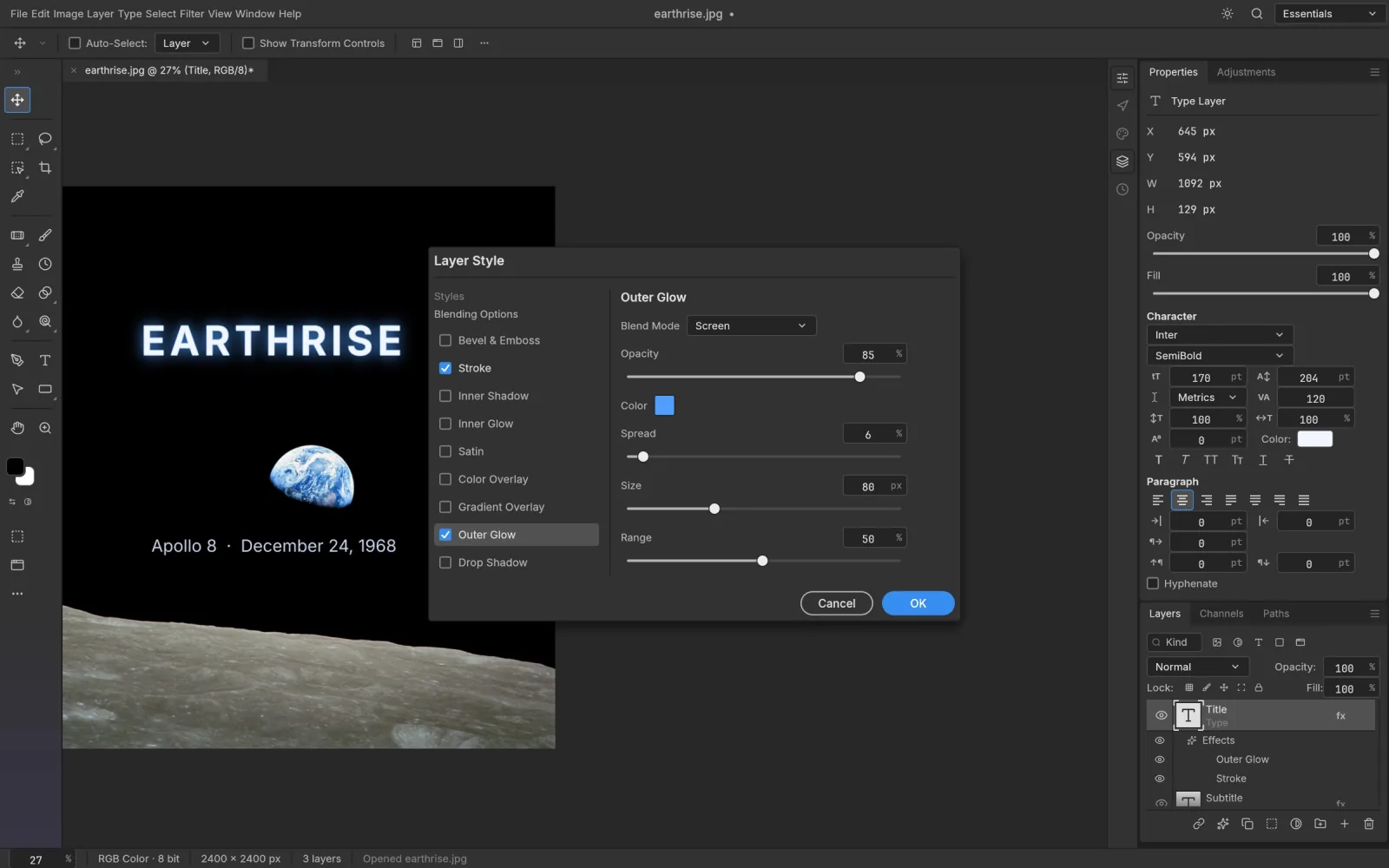
Free Photoshop in a Browser: What Actually Exists

Free Photoshop in a Browser: What Actually Exists

Is there a free Photoshop you can run in a browser? Here is what Adobe offers at no charge, what the independent browser editors do, and a quick way to decide between them.

Oct 12, 2026PSCraft TeamPSCraft Team
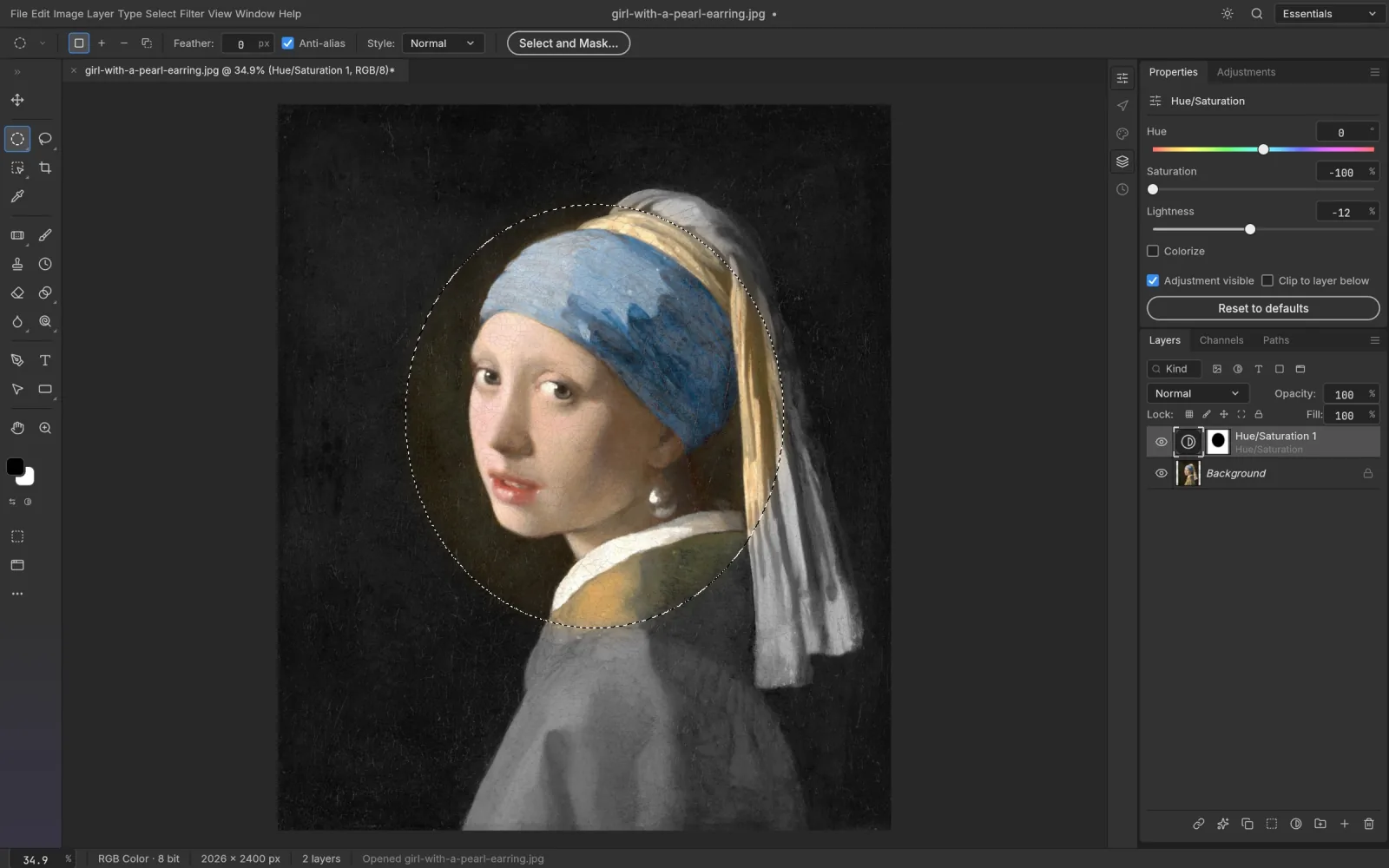
Opening a PSD When You Don't Have Photoshop: Three Ways

Opening a PSD When You Don't Have Photoshop: Three Ways

Three situations, three answers: how to preview a PSD, pull an image out of one, or edit its layers when you don’t have Photoshop installed.

Oct 12, 2026PSCraft TeamPSCraft Team
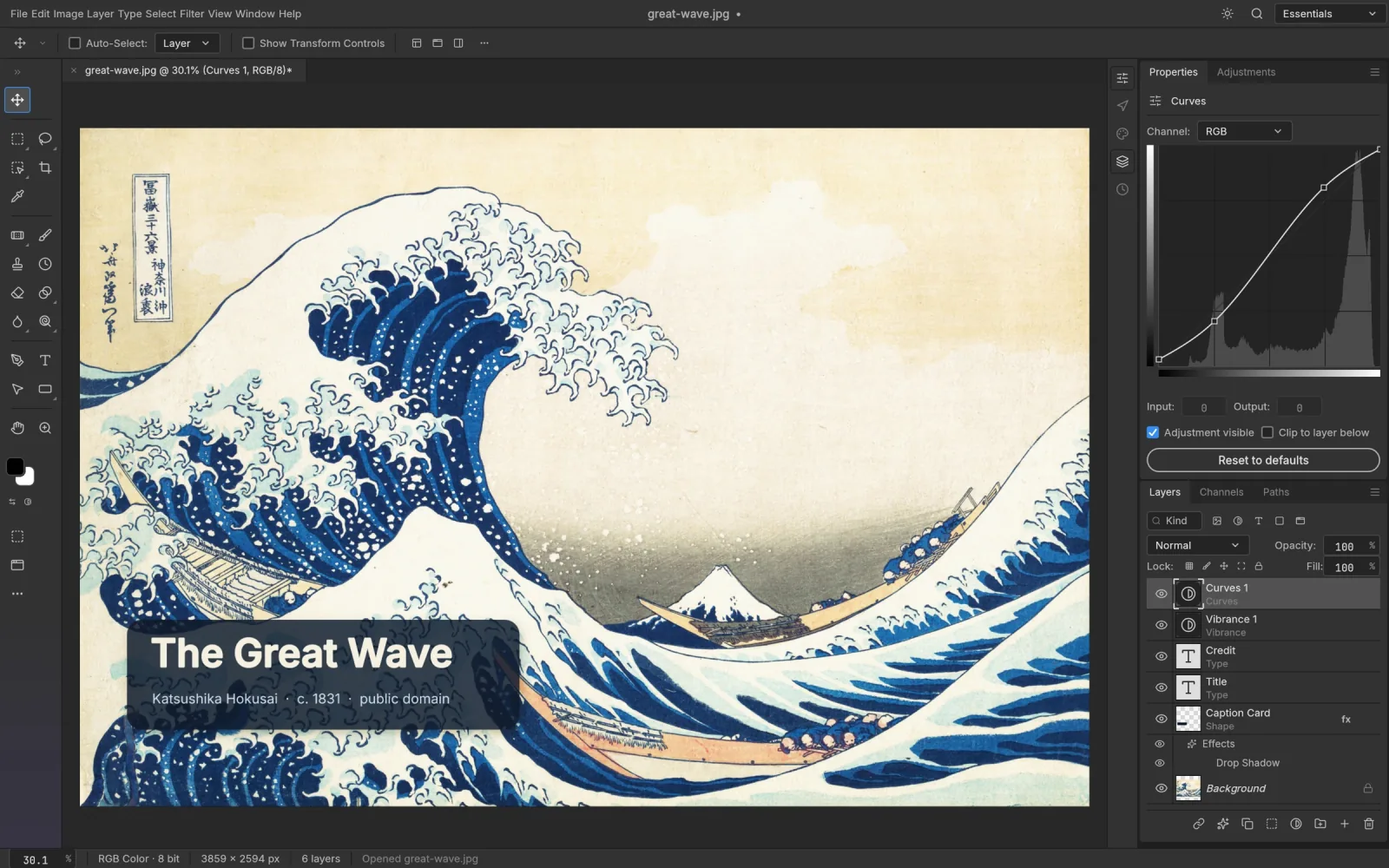
Remove a Photo Background for Free, No Photoshop Needed

Remove a Photo Background for Free, No Photoshop Needed

A practical walkthrough for cutting a subject out of its background for free: the one-click route, what to do when it fails, and how to export a clean transparent PNG.

Oct 12, 2026PSCraft TeamPSCraft Team

Layers, masks and PSDs, in a browser tab.

Product

  • Open editor
  • Features
  • PSD editor
  • Remove background
  • Content-Aware Fill
  • Camera Raw filter

Use cases

  • Photoshop for Chromebook
  • Photoshop for Linux
  • Free Photoshop for students
  • PhotoCraft online

Compare

  • Free Photoshop alternative
  • Photopea alternative
  • PSCraft vs Photoshop
  • PSCraft vs Photopea

File formats

  • Open PSD files
  • Open PSB files
  • Open HEIC files
  • Open TIFF files

Resources

  • Blog
  • FAQ
  • PhotoCraft source code
  • Privacy Policy
  • Terms of Service

PSCraft runs PhotoCraft, open-source software from the ArtCraft team and contributors, under the MIT / Apache-2.0 licences. PSCraft is an independent host: it is not produced, sponsored or endorsed by the ArtCraft team. Adobe and Photoshop are trademarks of Adobe Inc., which has no connection with PSCraft.

© 2026 PSCraft. All rights reserved.