Free · No account · Files stay on your device
Open the PSD. Skip the install.
PSCraft is a Photoshop-style editor that lives in a browser tab. Drop in a layered file and the layers, masks, adjustments and type are all still there to edit.
Runs in desktop Chrome, Edge, Safari and Firefox. Everything is processed on your own computer.
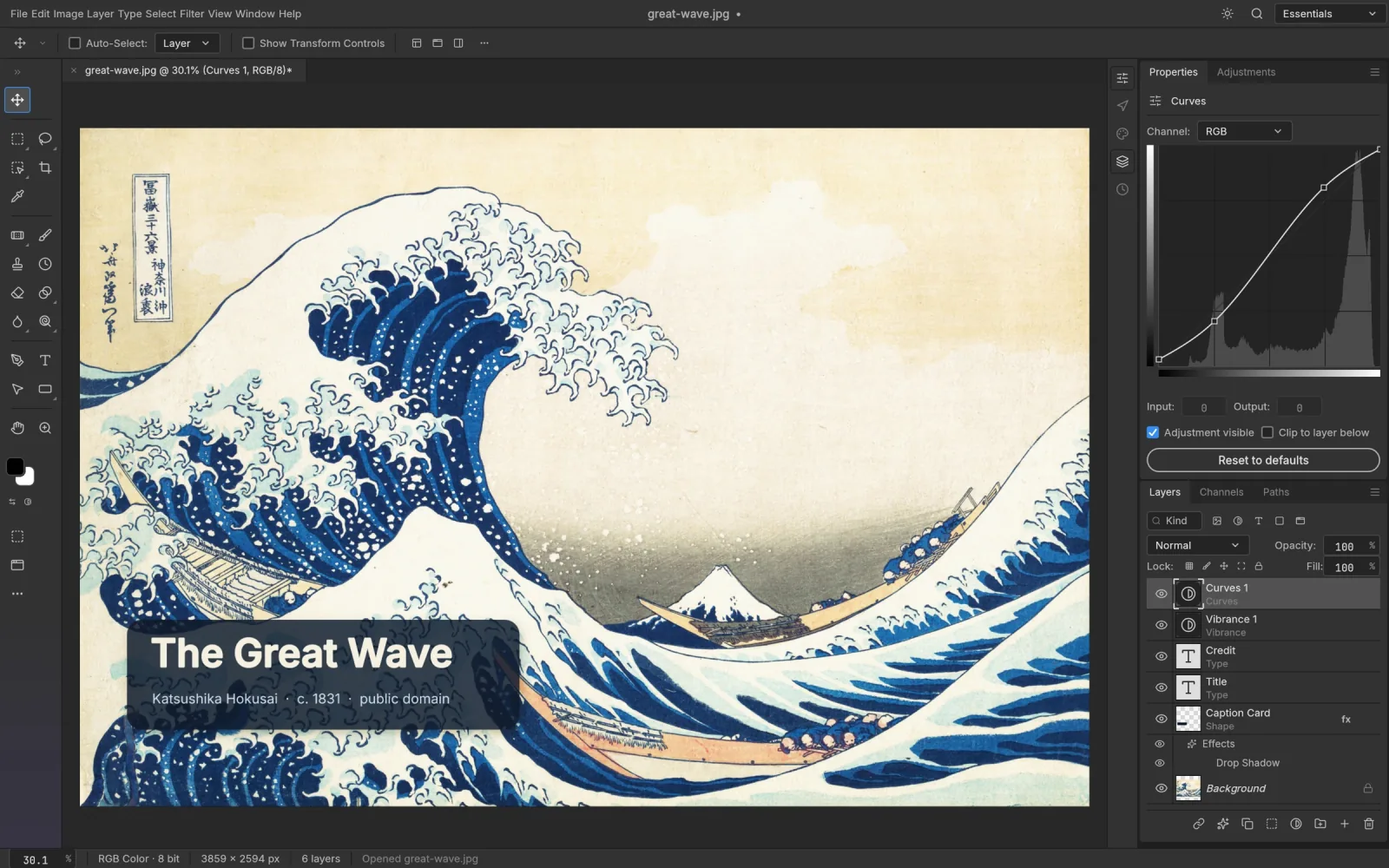
Layered PSDs, read and written
Open a .psd or .psb, change what you need and save it again. PNG, JPEG, WebP, TIFF and HEIC photos open too.
Your muscle memory still works
Tools, panels and menus sit where Photoshop users expect, and the usual shortcuts do the usual things.
Nothing leaves your computer
The editor is a WebAssembly app. Files are read and saved locally, so there is no upload step and no account.
Drawn by your graphics card
The canvas renders through WebGPU and falls back to WebGL2, which keeps big, many-layered files moving.
The parts of Photoshop people actually use
Edits stay adjustable. Change a curve next week, retype a headline, swap a mask, and the pixels underneath are untouched.
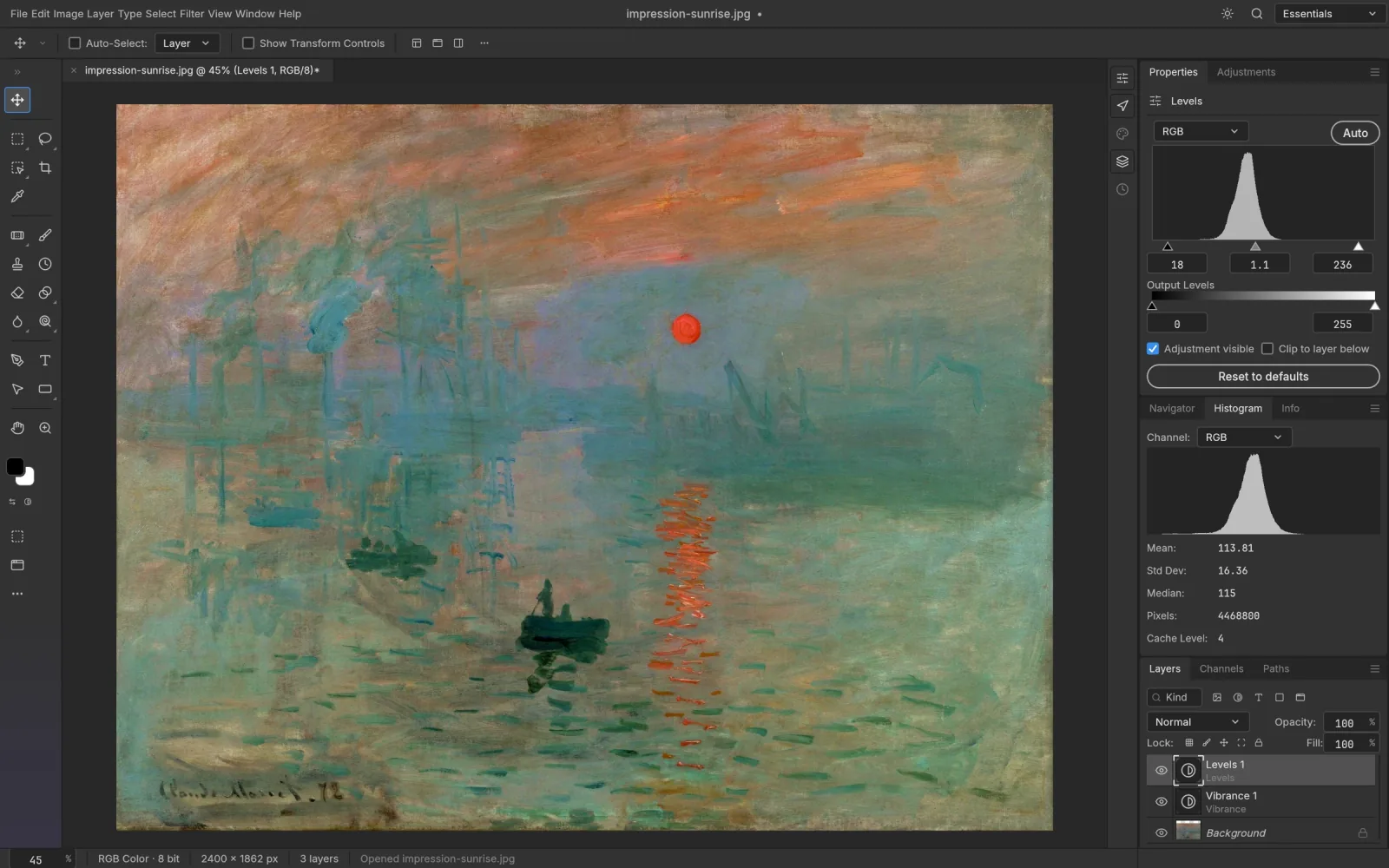
Adjustment layers
Sixteen of them, from Curves and Levels to Selective Color and Color Lookup. Stack, reorder, mask or switch them off at any time.
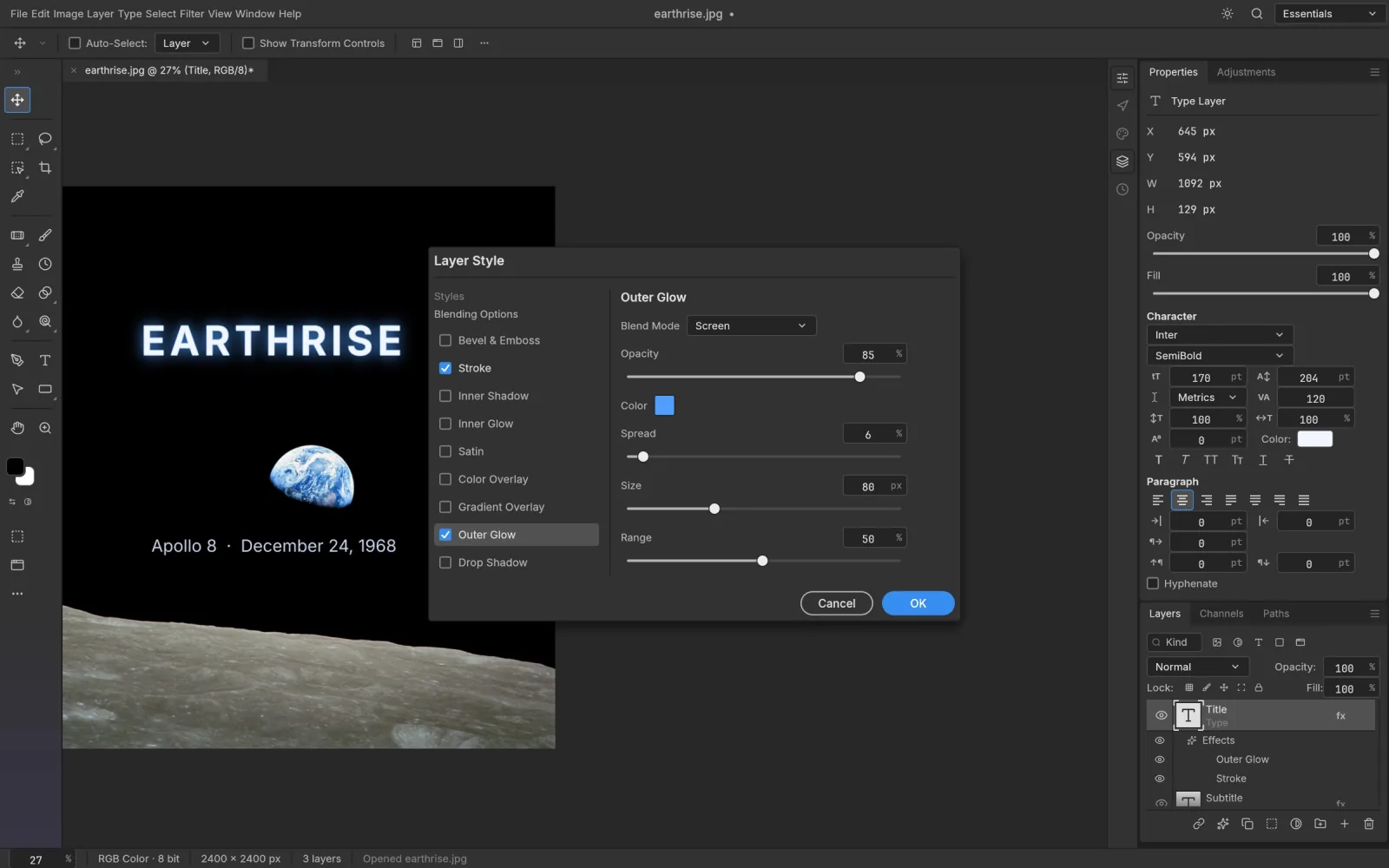
Layer styles
Shadows, glows, Bevel & Emboss, Satin, Stroke and three kinds of overlay. They work on type and shapes as well as pixels, and styles saved in a PSD open as styles.
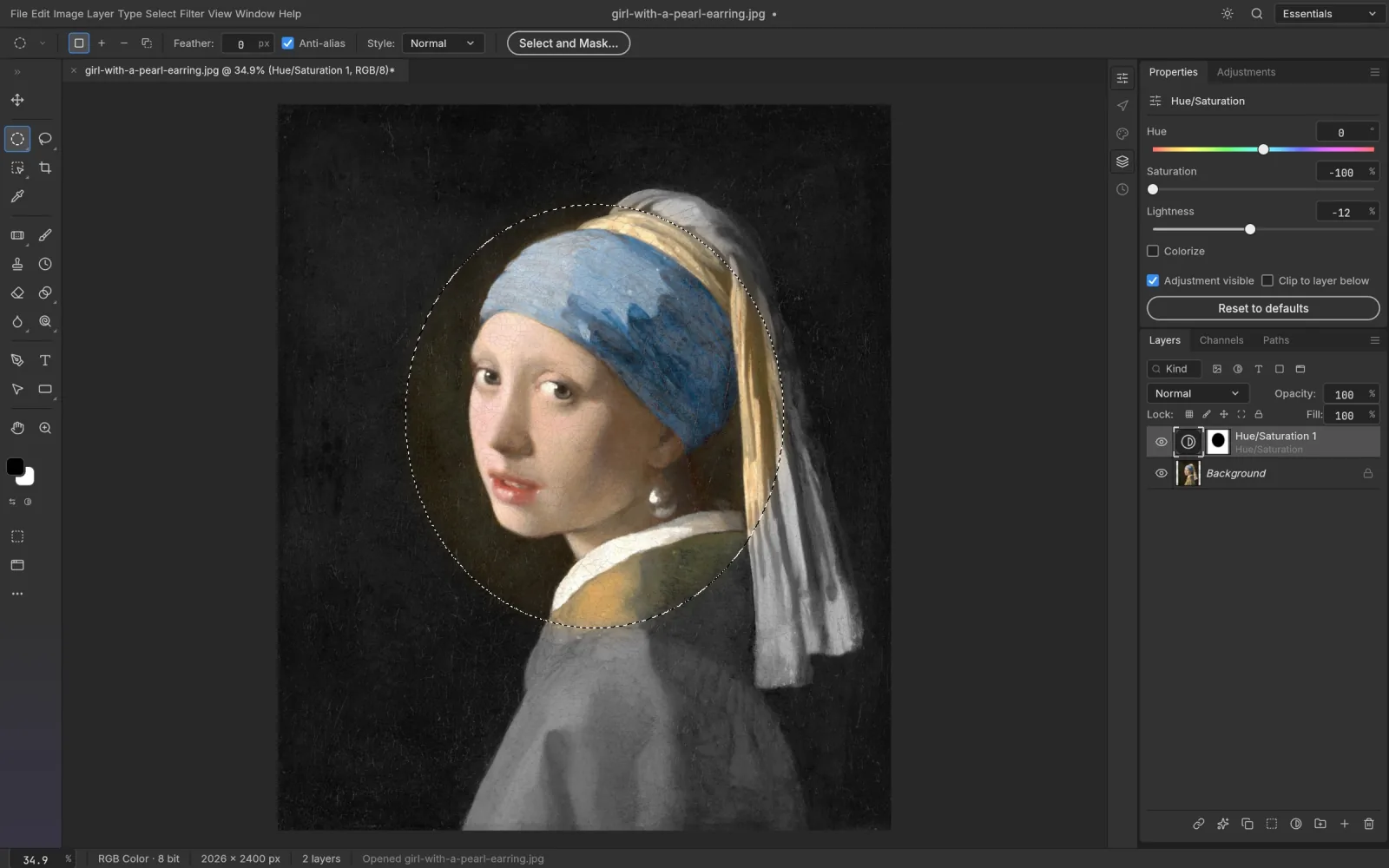
Selections and masks
Marquees, lassos and Magic Wand when you want control; Quick Selection and Select Subject when you want speed. Any selection can become a mask.
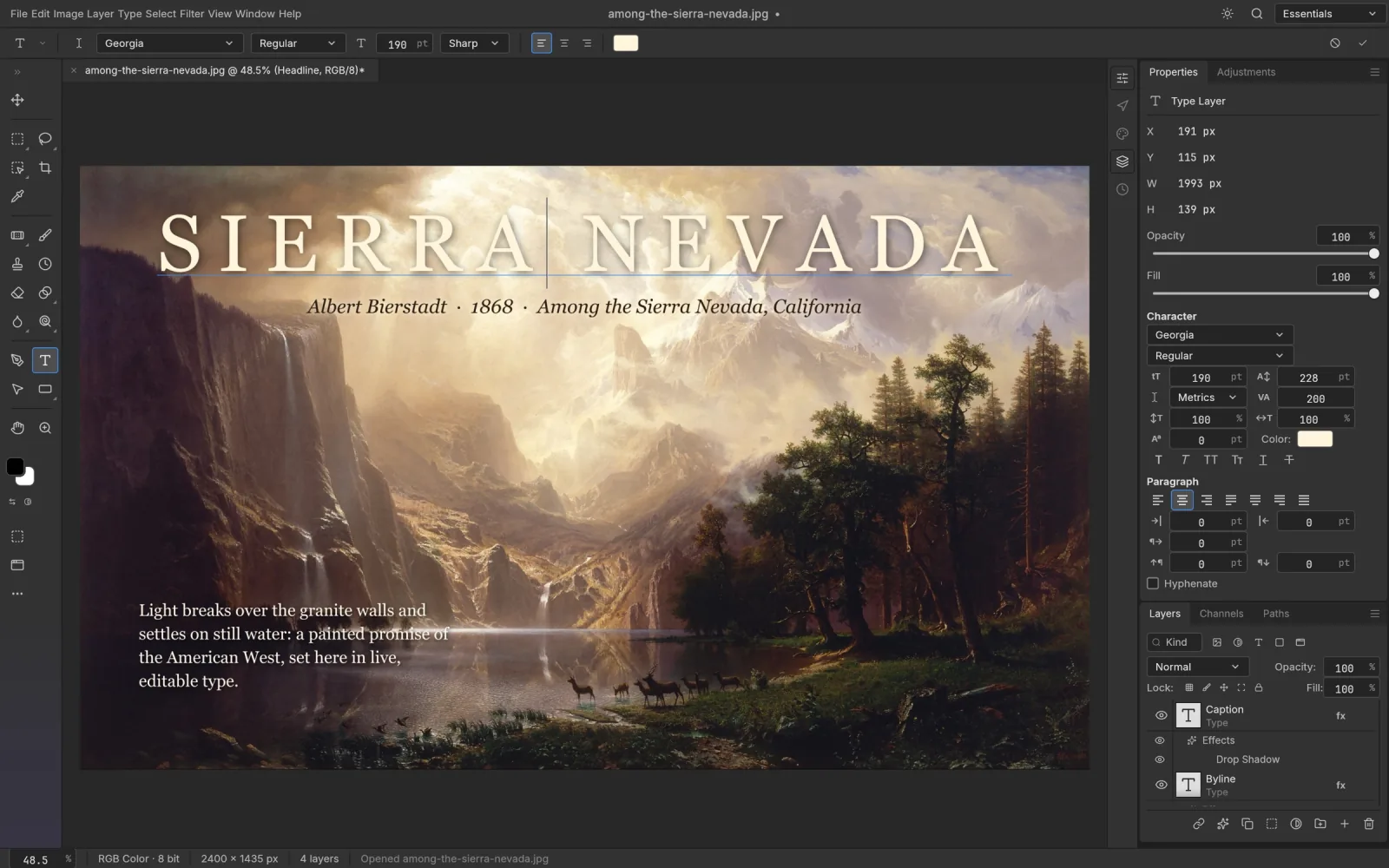
Editable type
Click on the canvas and type. Point text, paragraph text, and Character and Paragraph panels for size, leading, tracking and alignment.
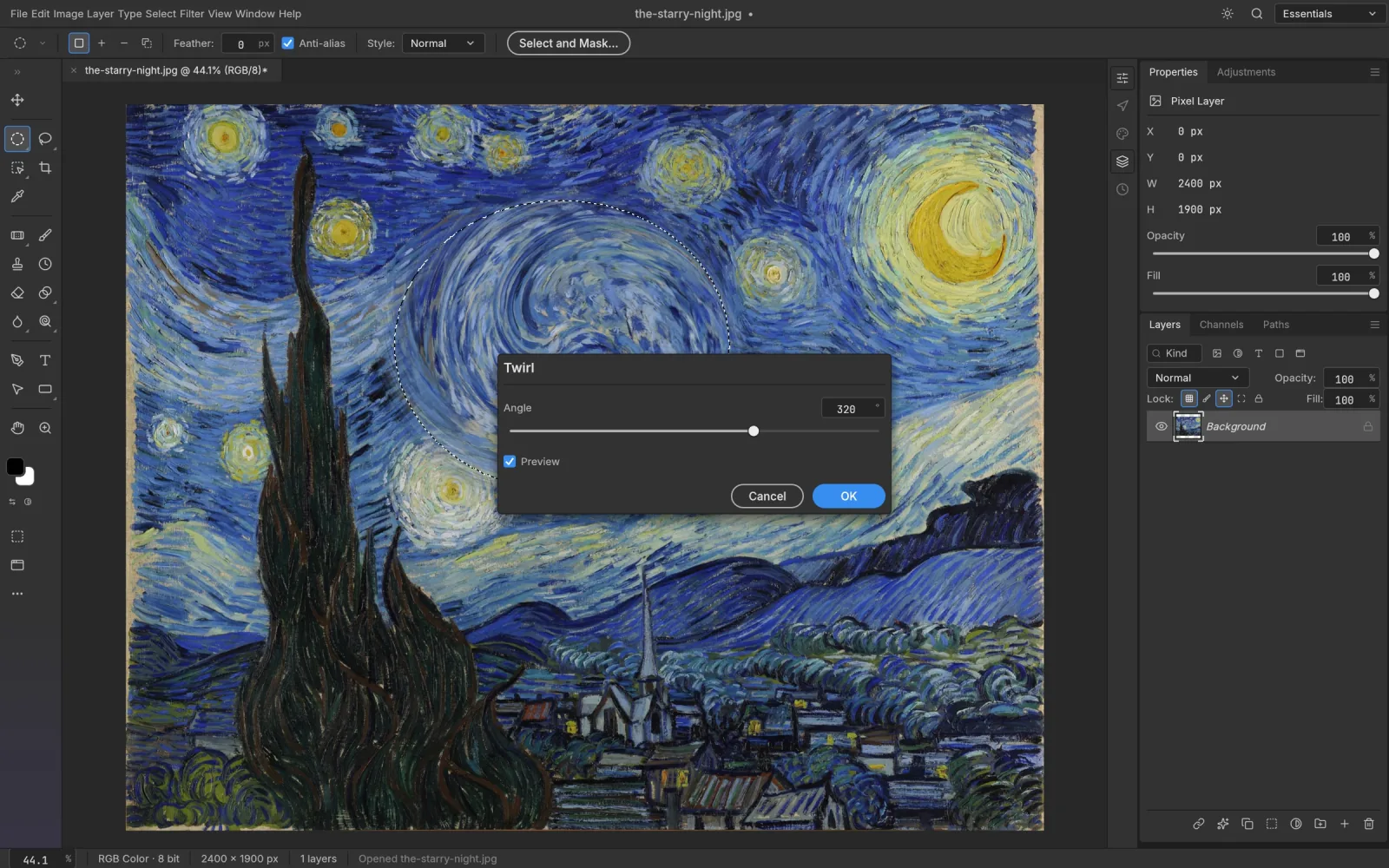
Filters you can preview
Blurs, sharpening, noise reduction, distortions and stylize effects all preview on the canvas before you commit. On a Smart Object they stay editable.
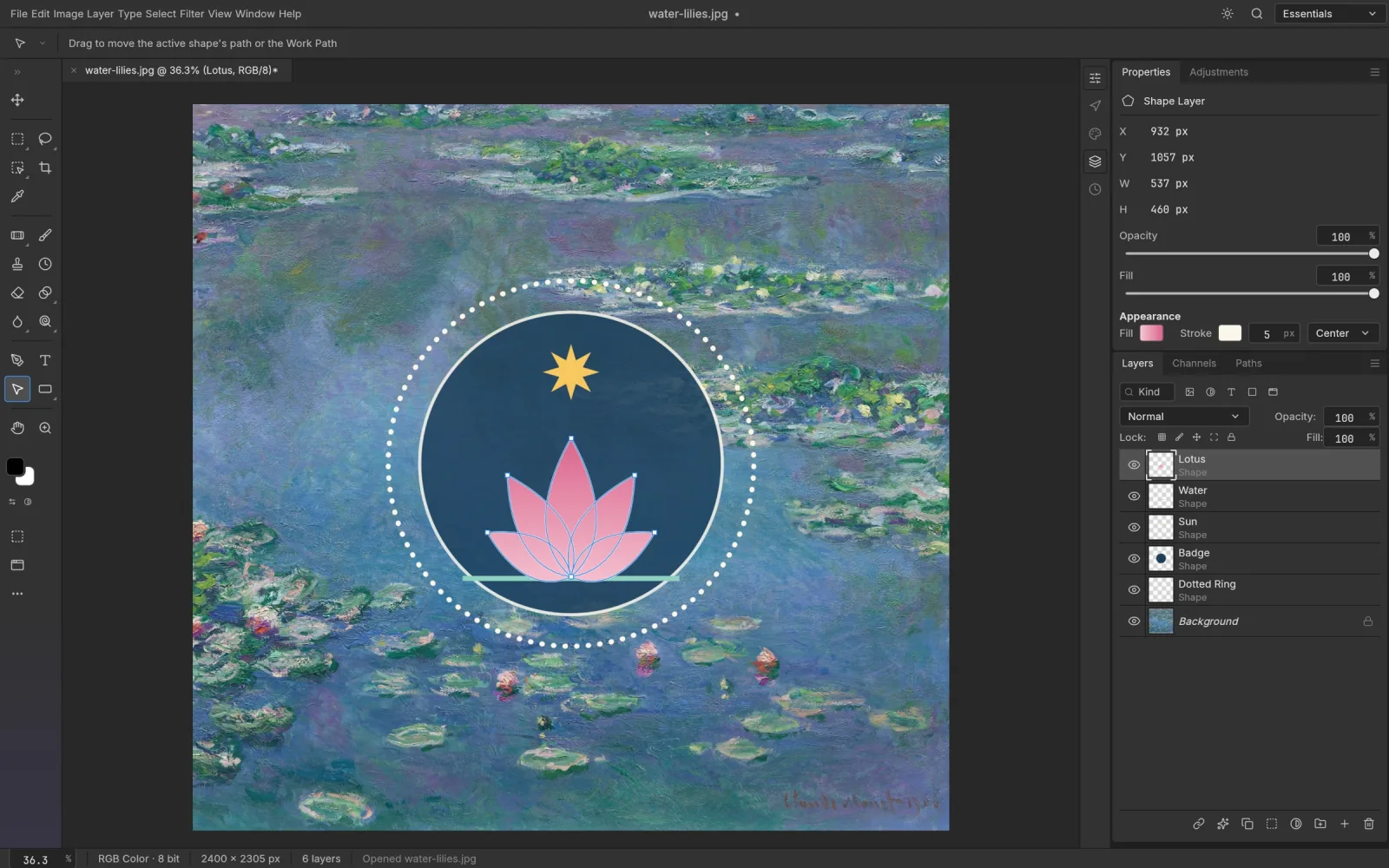
Shapes and paths
Pen and Curvature Pen, rectangles, ellipses, polygons and lines. Shape layers stay sharp at any size and combine with unite, subtract and intersect.
PSCraft next to a desktop editor
PSCraft is not made by Adobe. It is an independent site running an open-source editor that follows Photoshop's conventions.
| PSCraft | Typical desktop editor | |
|---|---|---|
| Cost | Free | Subscription or licence |
| Setup | Open a web page | Download and install |
| Sign-in | None | Usually needed |
| Layered PSD | Opens, edits, saves | Opens, edits, saves |
| Your files | Never leave the device | Local disk or vendor cloud |
Start from what you need to do
Short guides for specific jobs: opening a file someone sent you, cutting out a background, or editing on a machine that can't run Photoshop.
Questions people ask first
Straight answers, including the things PSCraft doesn't do yet.
Got a file to fix?
Open the editor, drop it in and get on with it. No sign-up screen in the way.
Open PSCraft