Free Photoshop in a Browser: What Actually Exists
 PSCraft Team
Is there a free Photoshop you can run in a browser? Here is what Adobe offers at no charge, what the independent browser editors do, and a quick way to decide between them.
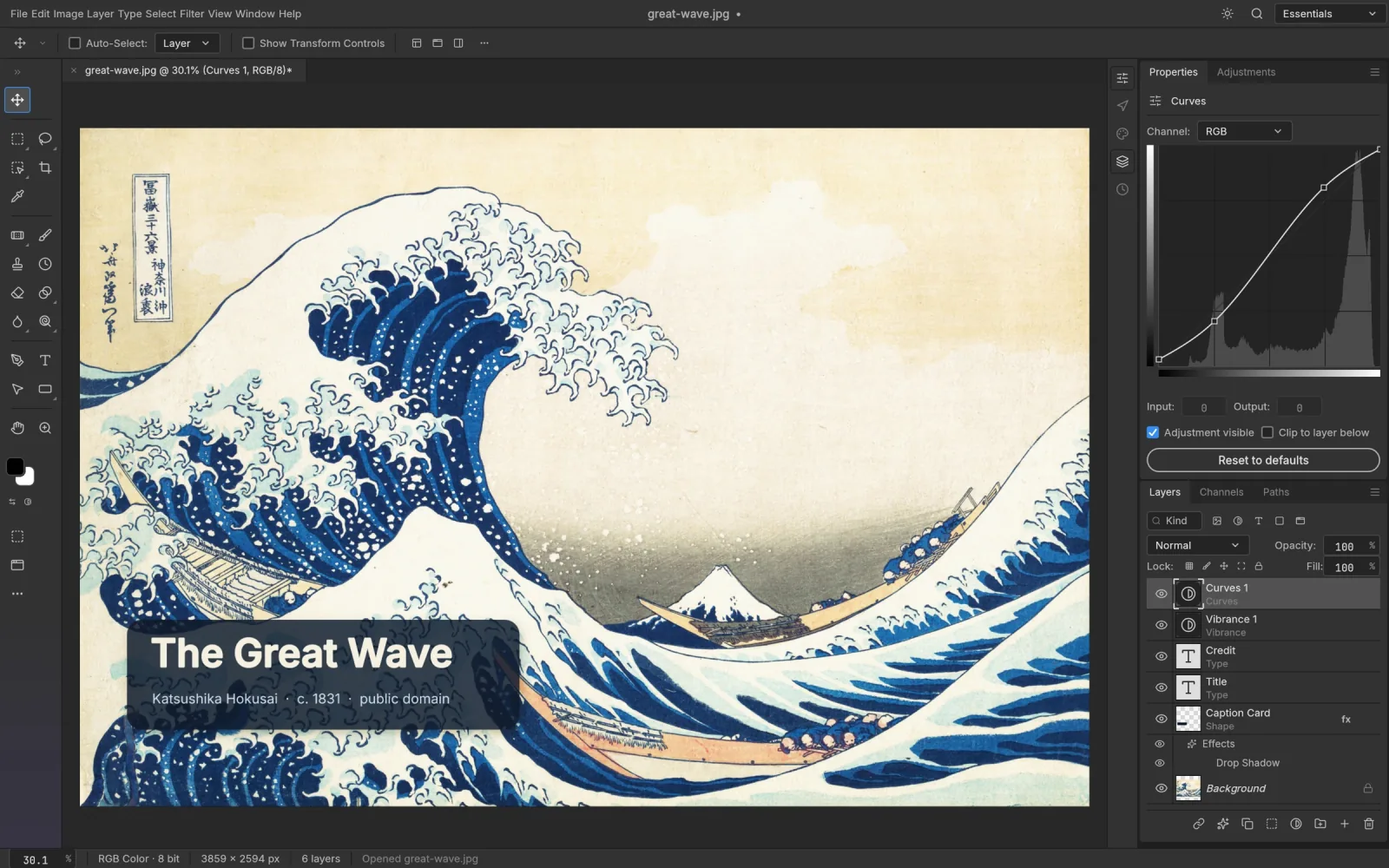
The short answer: Adobe's own Photoshop is not free online, apart from a trial. What you can get for free is an editor that works the same way. Which route makes sense depends on whether you need Photoshop itself or just what Photoshop does.
What Adobe gives you for nothing
- A free trial. Adobe offers a short trial of Photoshop, which includes the web version. It needs an Adobe account and a payment method, and it converts to a paid plan if you don't cancel.
- Adobe Express. A separate, simpler product with a free tier. It is good for templates and quick social posts, but it isn't a layer-based editor in the Photoshop sense and it won't let you work on a PSD layer by layer.
If you need a specific Photoshop feature for one project, the trial is the honest way to get it. For anything ongoing, it isn't a free option.
Editors that work like Photoshop
A few independent projects have rebuilt the Photoshop workflow to run in a browser tab. They aren't Adobe products. They use the same ideas, though: a Layers panel, masks, adjustment layers, layer styles, the familiar shortcuts, and PSD files in and out.
PSCraft is one. Behind it is the open-source PhotoCraft project, with the whole editor built as a WebAssembly app. In practice:
- there is no charge, no account and no advertising;
- PSD files open with their layers editable and can be saved as PSD again;
- tools such as Remove Background, Content-Aware Fill and a Camera Raw filter are included;
- your images are processed on your computer and never uploaded.
Photopea is the other well-known name. We've written up how the two differ.
Installed alternatives
GIMP and Krita are free desktop applications and both are capable. They have their own interfaces, so there's a learning curve if you're used to Photoshop, and because they are installed programs, a Chromebook or a managed office PC usually can't run them.
Which should you pick?
Ask yourself three questions.
- Do you need a feature only Adobe has? Generative Fill, a particular plug-in, Creative Cloud libraries. If yes, use the trial or subscribe.
- Do you need to exchange PSD files with Photoshop users? If yes, a Photoshop-style browser editor keeps the layers intact in both directions.
- Are you on a machine where you can't install software? If yes, a browser editor is the only option that works.
For most occasional editing, the answer to the first question is no, and a free browser editor covers it.
Getting started in a minute
- Open the PSCraft editor in Chrome, Edge, Safari or Firefox on a computer.
- Drag in a photo or a PSD.
- Edit. Ctrl/⌘ J duplicates a layer, Ctrl/⌘ T transforms it, Ctrl/⌘ Z takes a step back.
- Use File › Save for a PSD or File › Export › Export As for a PNG or JPEG.
One habit to adopt straight away: the browser version doesn't autosave, so save before you close the tab.