Opening a PSD When You Don't Have Photoshop: Three Ways
 PSCraft Team
Three situations, three answers: how to preview a PSD, pull an image out of one, or edit its layers when you don’t have Photoshop installed.
A designer sends over a .psd and your computer shows a blank icon. What you should do next depends on what you need from the file, so this guide is organised by goal.
If you only need to see it
A PSD stores a flattened preview of the whole design alongside its layers, and several everyday tools can display that preview:
- macOS. Select the file in Finder and press Space for Quick Look, or open it in Preview.
- Google Drive. Upload the file and Drive shows a preview in the browser.
- Windows. The built-in Photos app generally can't open PSD, so use one of the methods below.
This is enough to approve a design or read what it says. You won't see individual layers, and anything hidden when the file was saved stays hidden.
If you need an image out of it
To get a PNG or JPEG, you need something that reads the format properly.
- Open PSCraft in a desktop browser.
- Drag the PSD onto the page.
- Choose File › Export › Export As and pick PNG, JPEG or WebP.
To export one element, such as a logo, select its layer and use Layer › Quick Export as PNG. You can also hide layers first so that only what you want is in the exported image. More detail is in the guide to opening PSD files.
If you need to change something
This is where most free tools fall short, because editing a PSD well means keeping its structure: text that is still text, effects that are still adjustable, masks that are still masks.
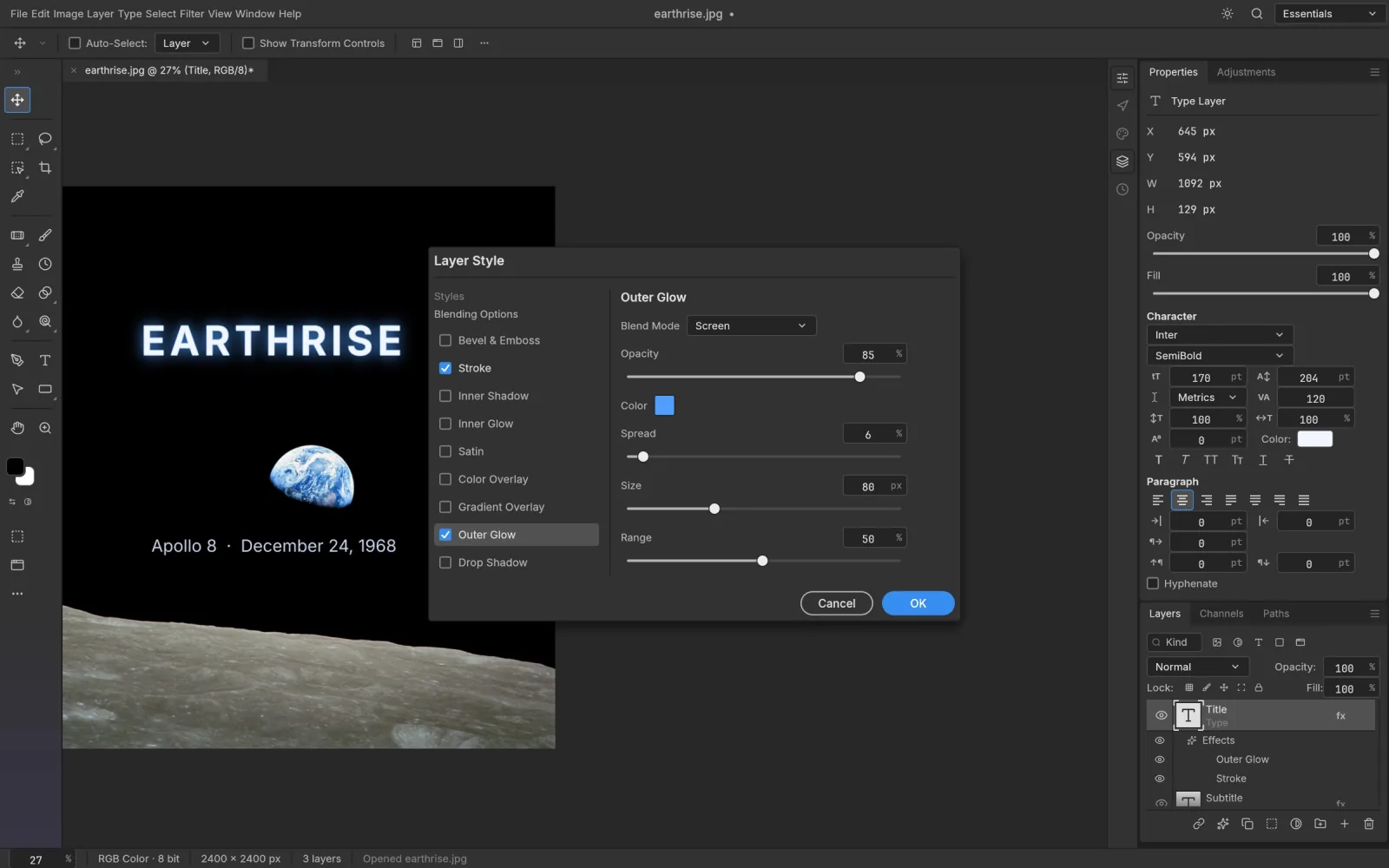
A Photoshop-style browser editor handles this best. In PSCraft, layers, groups, masks, adjustment layers, layer styles and type layers all open as editable layers. Make the change, then File › Save writes a PSD the designer can open in Photoshop.
GIMP is a free desktop application that opens PSDs too. It is a reasonable choice if you already use it, though some Photoshop features are flattened on import and the interface is its own.
Three things that trip people up
- Fonts. If the design uses a typeface you don't have, text may look different. Check with the designer before changing any wording.
- File size. Very large documents are saved as PSB, not PSD. The steps are the same, but they need more memory.
- Privacy. Some online "PSD viewers" upload your file to their servers. If the design is confidential, use a tool that works locally. PSCraft reads the file in your browser and sends it nowhere.
The quick version
Look at it with Quick Look or Drive. Extract from it or edit it with a browser editor that understands layers. Keep the original file untouched and save your version under a new name.